Loop Support Channels
Last updated: October 31, 2025
Loop supports a variety of channels for client users to reach our support team. Each of these are outlined below along with some additional tips to ensure your issue is resolved as quickly as possible:
Each client will have a designated email that routes to Loop's support team. This is often your organization's name suffixed with @loop.com e.g. acme-industries@loop.com. Including this email on any requests is the best way to make sure your email reaches the correct team at Loop as quickly as possible.
Other information that is generally helpful is a link to where you are experiencing an issue or a relevant reference number like a load number or invoice number.
In-App Issue Reporting
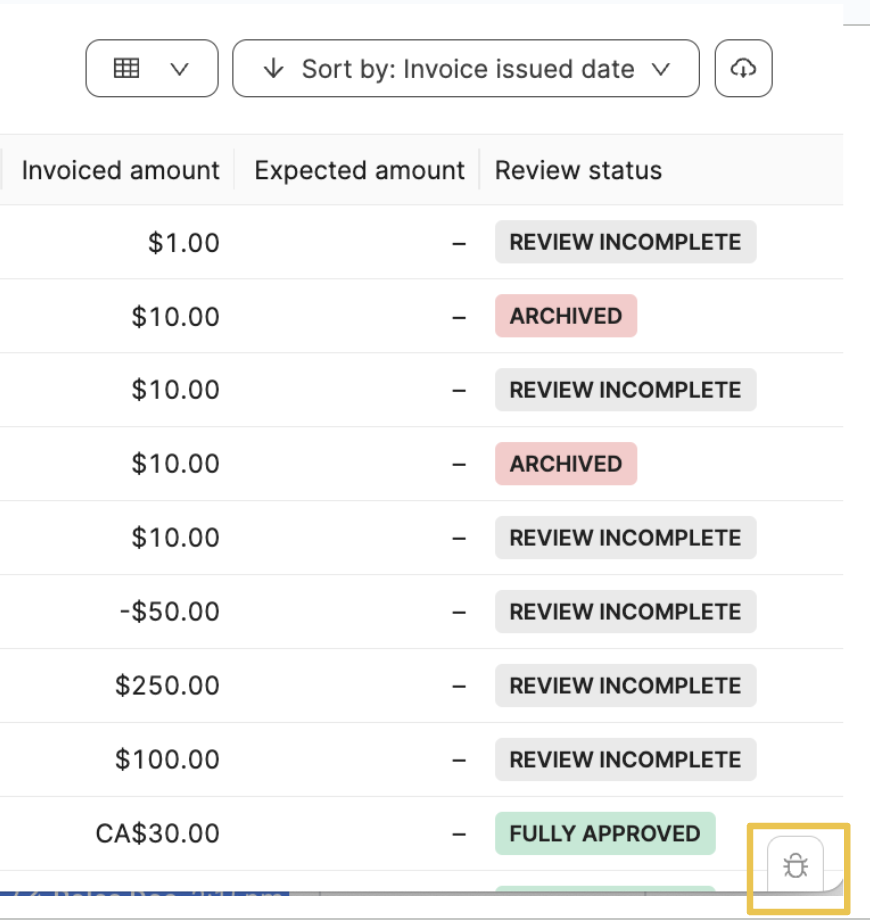
In the Loop app, each page will have a button to report bugs/issues in the bottom right corner. This will send a ticket to Loop's support team. Read more about this feature here, 📄 Report Issue Button.
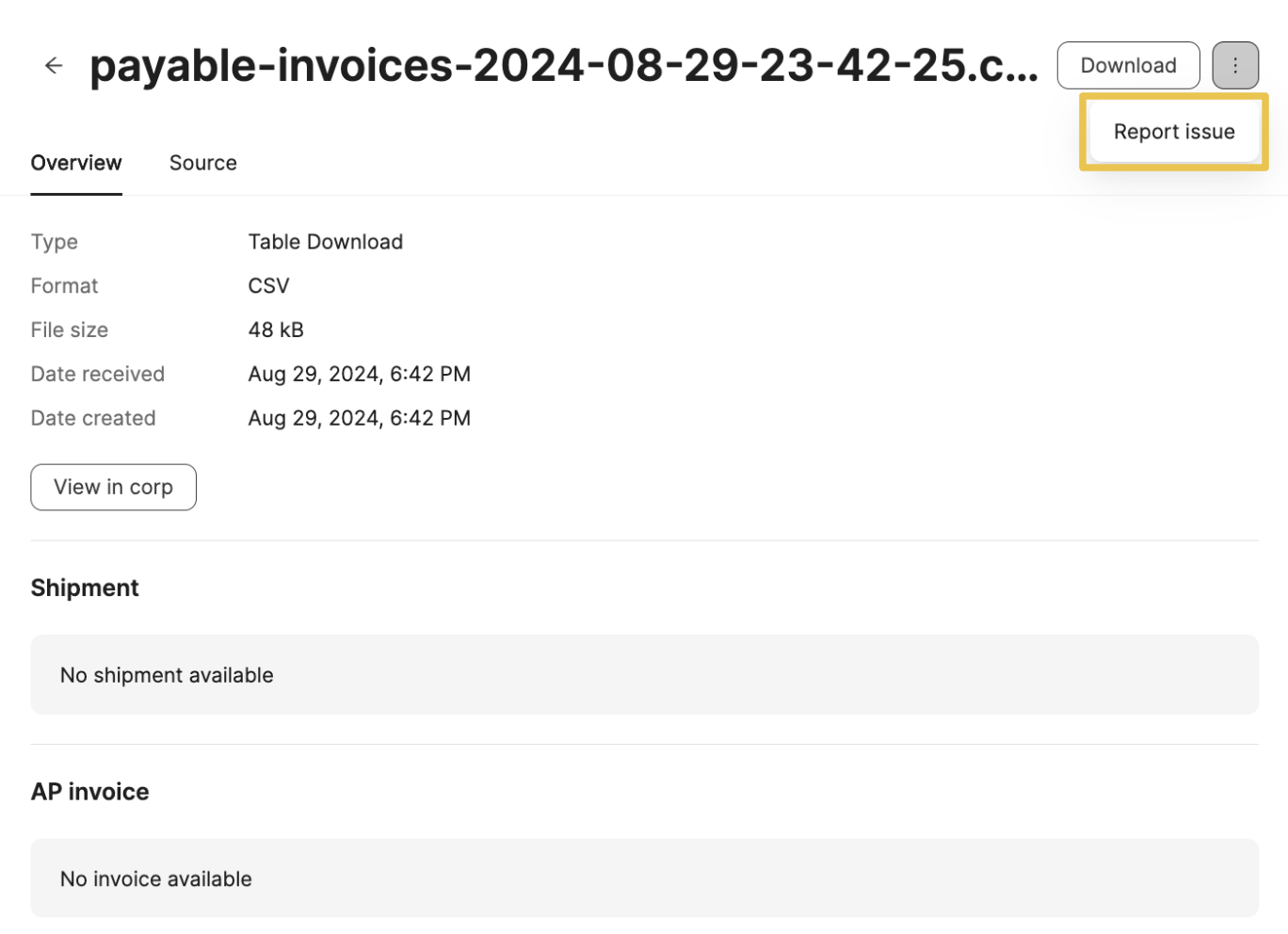
You can also access this by clicking the three dots on any artifact in Loop.
Customer Portal
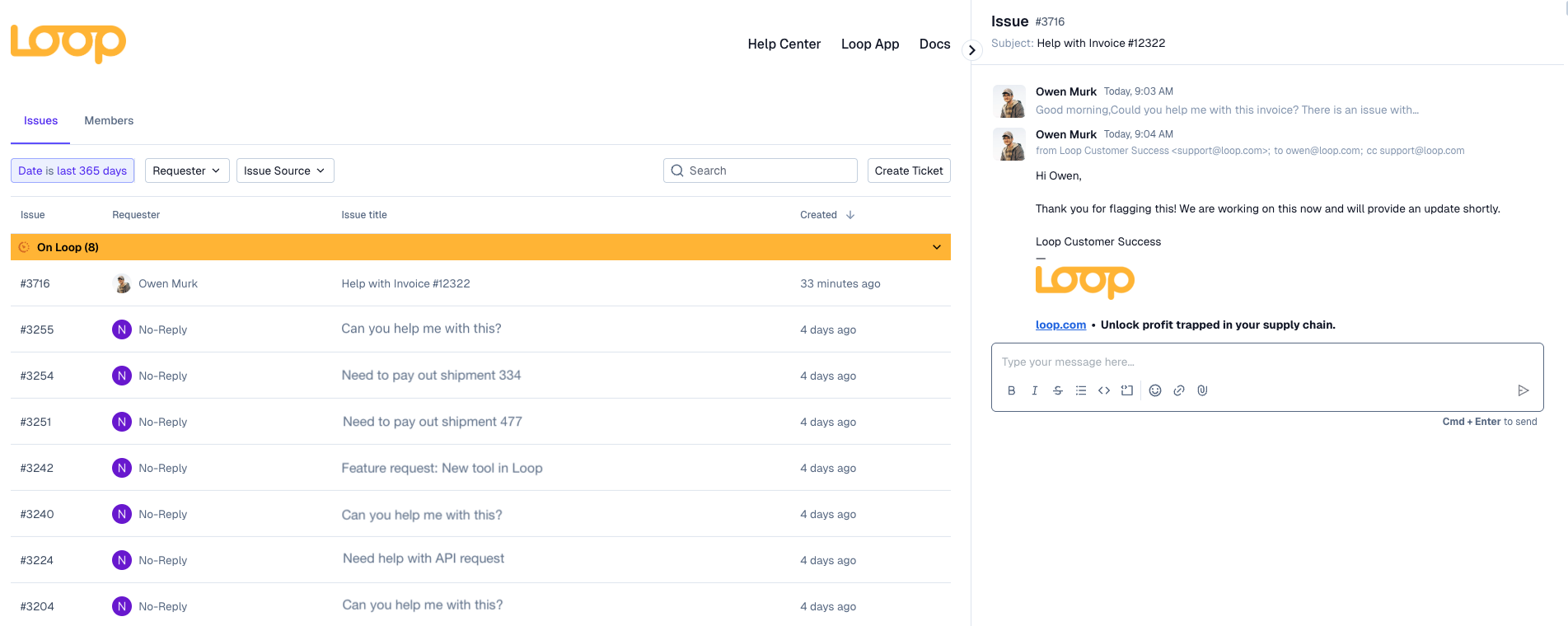
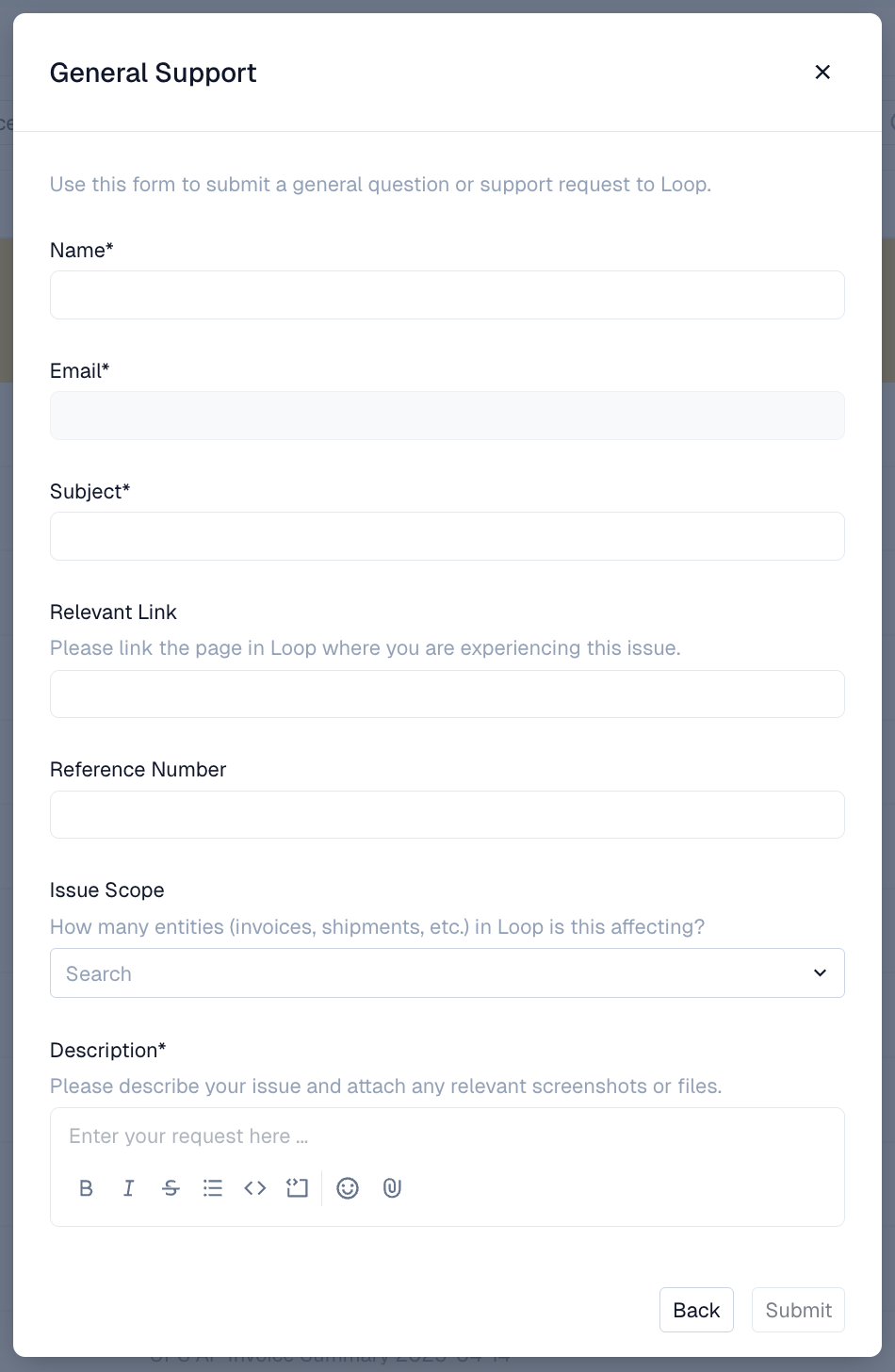
Loop can also provide a customer portal that gives visibility to all of your organization's tickets in one place. You can also create tickets in the portal using forms tailored to your organization's specific needs.
Please reach out to your customer success manager if you would like access to the customer portal.