Loop Connect - User Management
Last updated: February 19, 2026
User management allows you to invite teammates to your organization, so your entire team can access Loop Connect's invoice visibility and payment workflows. All users share admin-level access to your Connect organization.
How do I sign up for Loop Connect?
If nobody at your organization has accessed Loop Connect before, a sign-up link is included in remittance emails sent to Loop payees. The first user in your organization must sign up through this email.
To sign up for the first time:
Open a remittance email from Loop and click the
View in Appbutton under Payment DetailsFill in your user details
Enter the verification code sent to your email
You’ll be redirected to the payment detail page for that remittance
After your organization has completed initial setup, additional members can be invited directly from the app (see below). Existing users can also log in at app.loop.com/connect/log-in.
How do I invite a new user?
New users can be invited from the Users page.
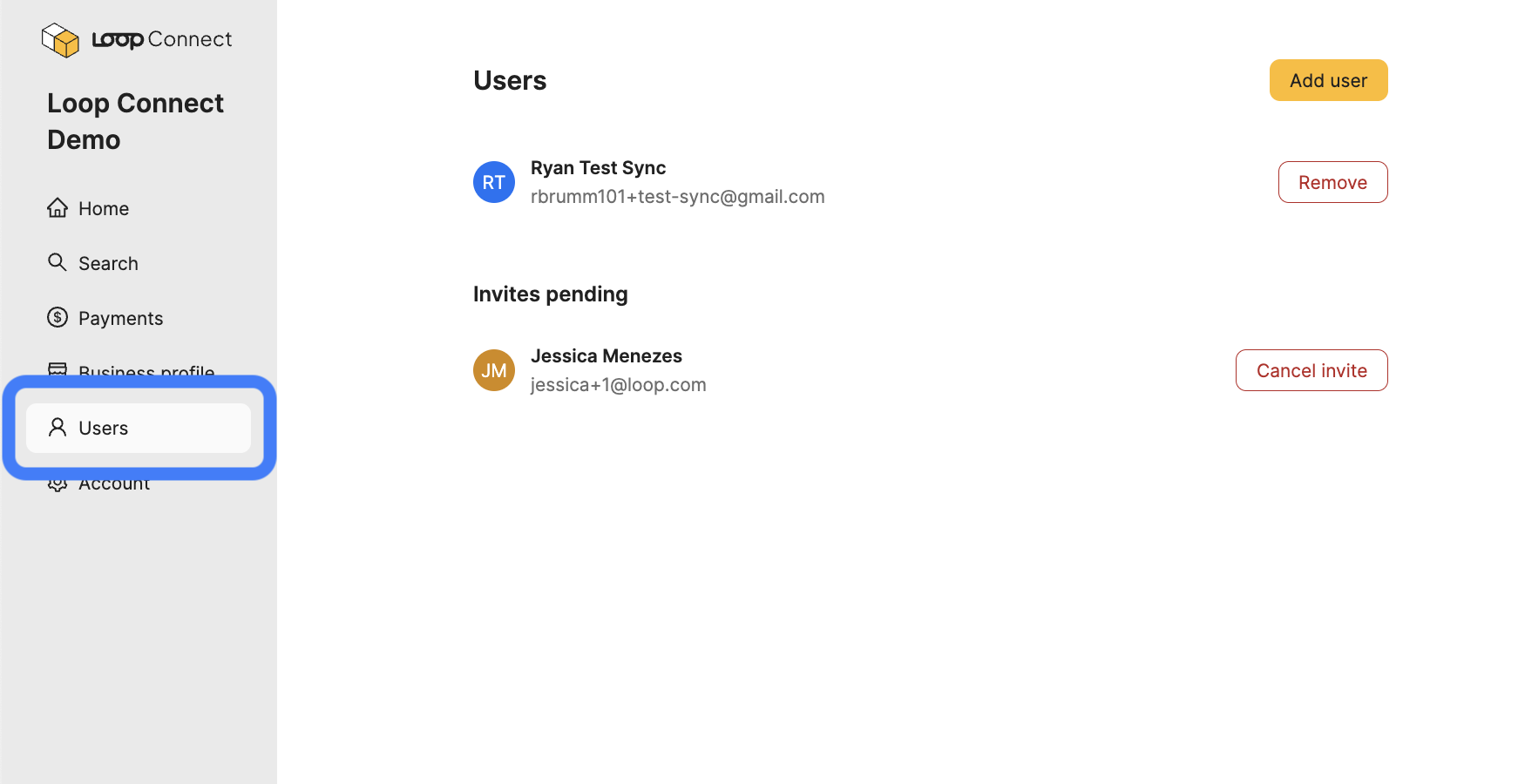
To invite a user:
Navigate to the Users page
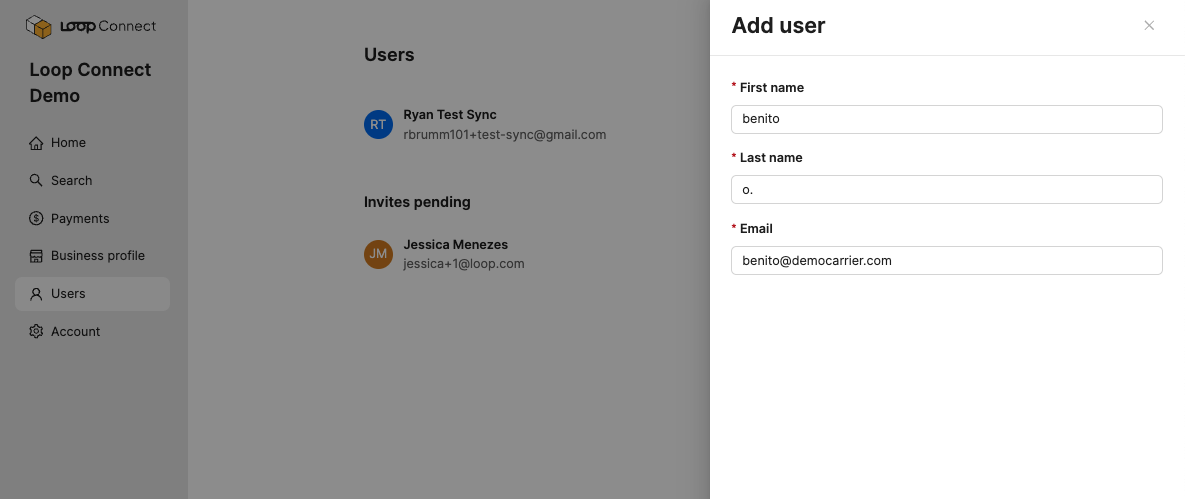
Click
Add UserEnter the new user’s name and email address
Click
Save
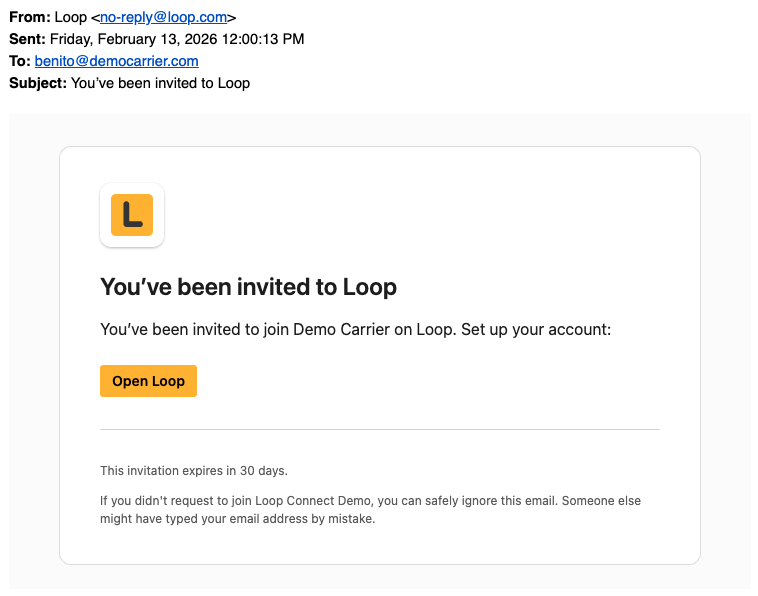
Loop will send an invitation email to the address you provided. The new user can follow the link in the email to set up their account and access Connect.
How do I manage pending invitations?
Pending invitations are visible on the Users page. From there, you can monitor their status or cancel them.
Invitations expire automatically after 30 days
You can revoke a pending invitation by clicking
Cancel Invitenext to the userIf an invitation expires, you can send a new one at any time by repeating the invite workflow described above.
How do I remove a user?
To remove a user from your organization:
Navigate to the Users page
Click
Removenext to the user’s name
If a user is removed by mistake, any other team member can re-invite them using the standard invite flow.
What roles and permissions are available?
All invited users are assigned the Admin role. This means every user in your organization has full access to all features, including the ability to:
View invoices and payment statuses
Manage bank account information and payment settings
Invite and remove users
Additional roles and more granular permissions are planned for a future update.