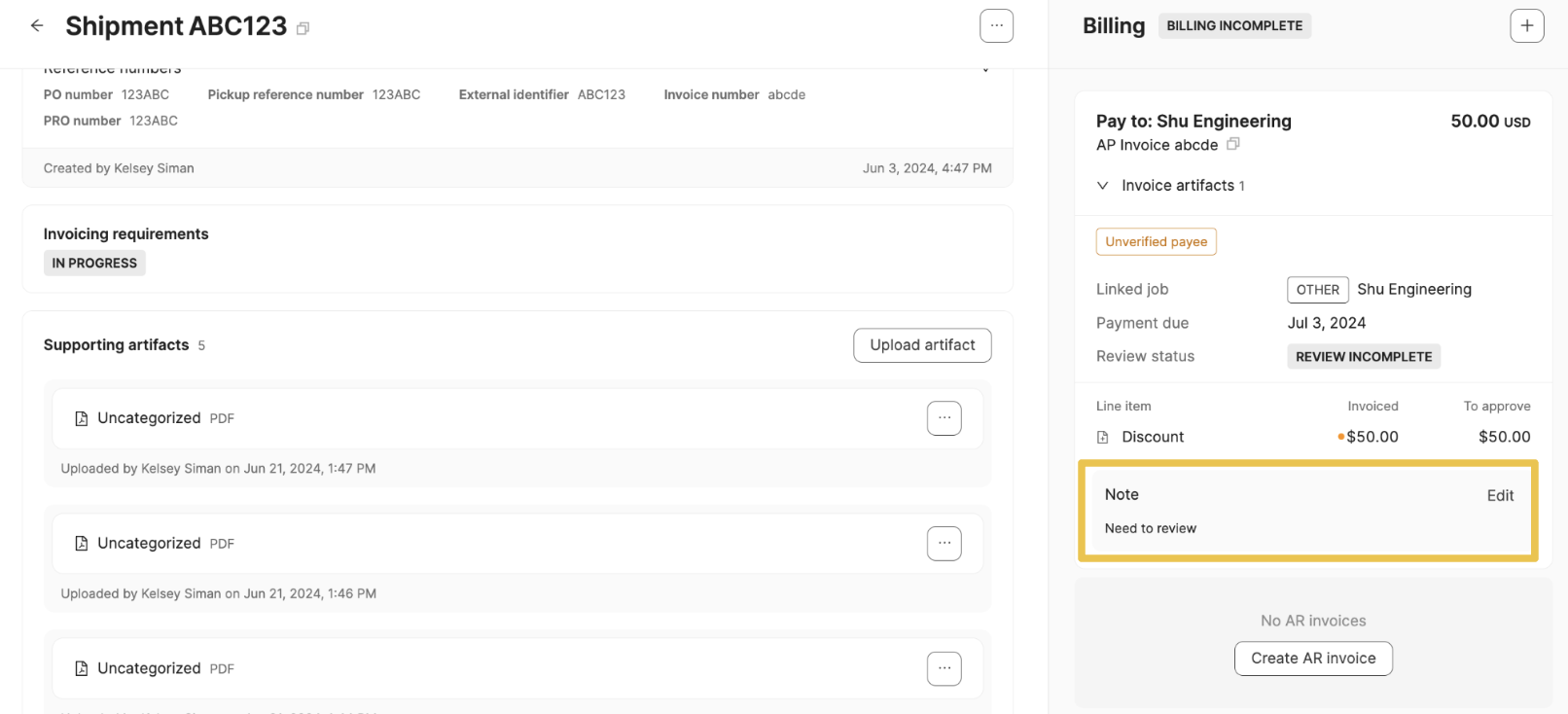
Notes
Last updated: March 17, 2025
Notes
Notes can be used to leave comments on AP and AR invoices to help call out issues or reminders
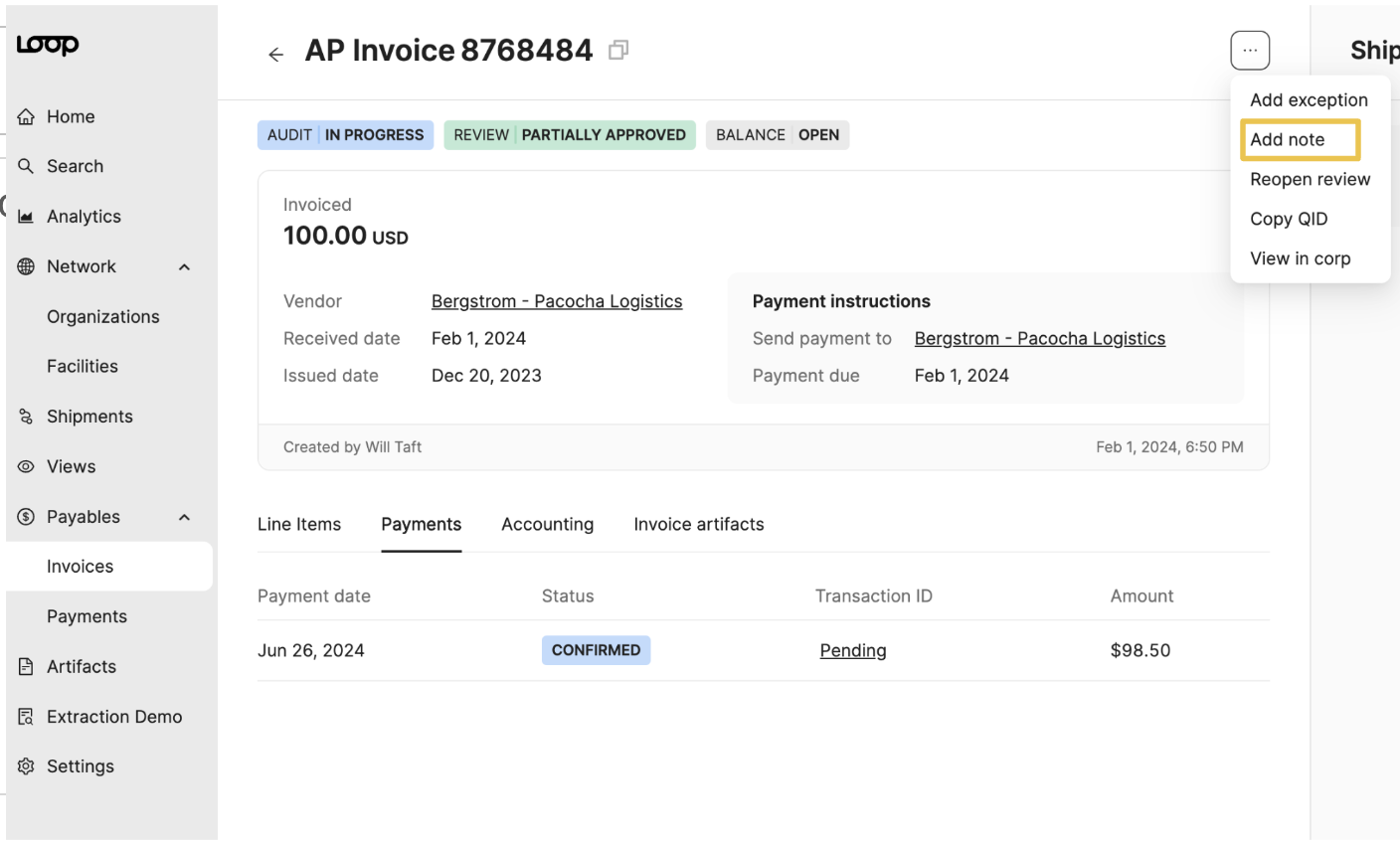
How to Add a Note
Select the three-dot button on the upper right-hand corner and select "Add note." Notes are helpful on Billing incomplete invoices that are under review or other issues that need investigating
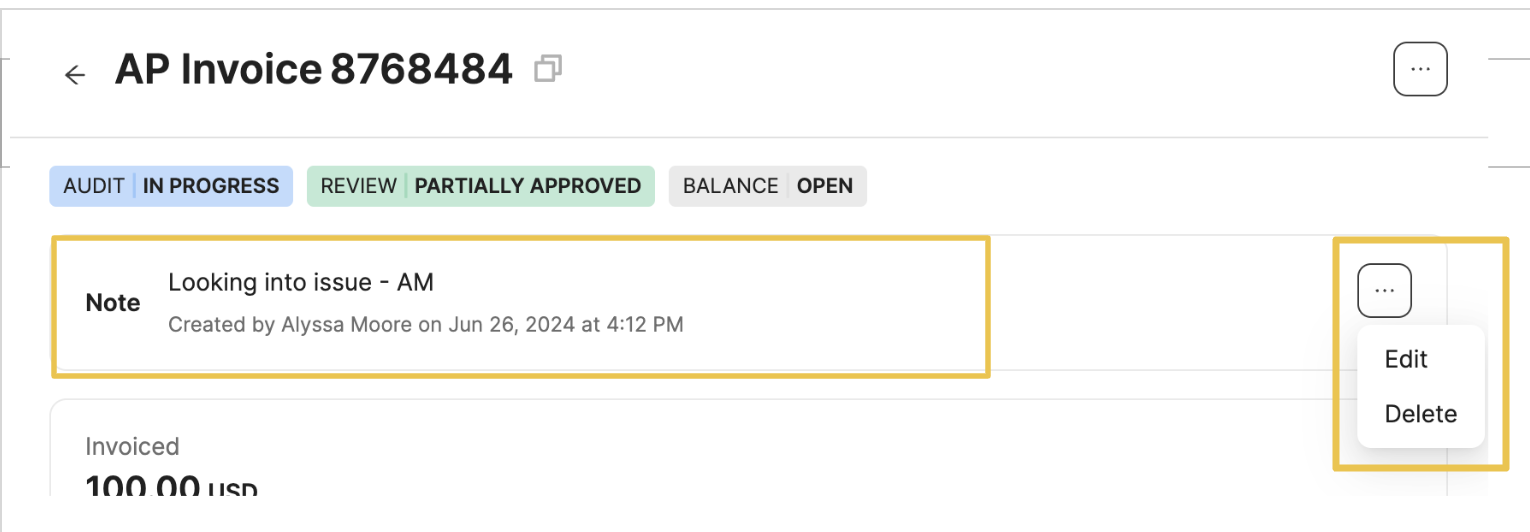
How to Edit or Delete a Note
Once the note is created it will appear as a new panel under the invoice statuses. You can edit or delete the note by clicking on the three-dot button on the right.
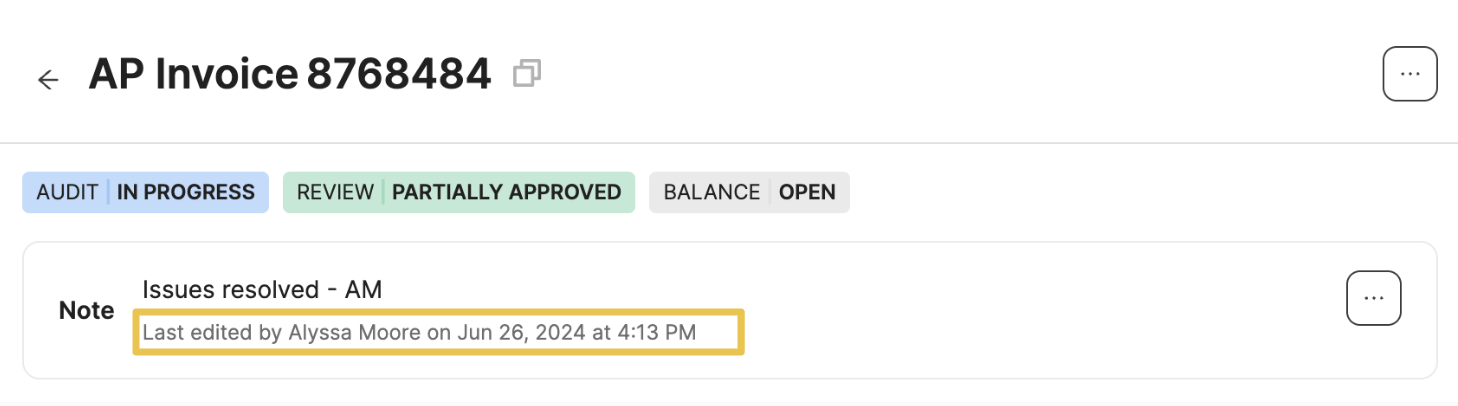
If the note is edited a new timestamp will appear
You can also view and edit the note on the corresponding Shipment page