Intelligence FAQ
Last updated: April 10, 2026
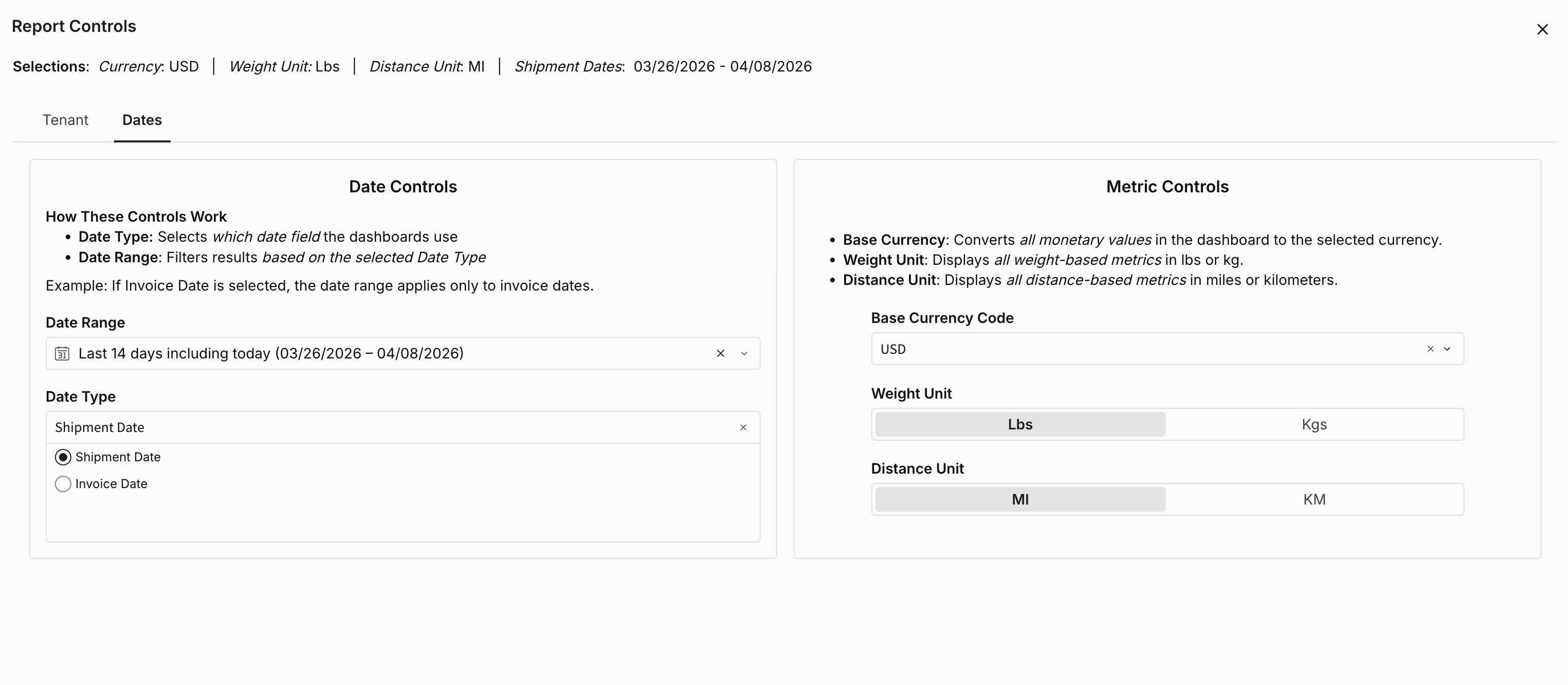
I applied a filter but the whole dashboard didn't update — why? Tile-level filters (applied by hovering over a tile) only affect that one tile. To filter the entire report, use Report Controls in the top right.

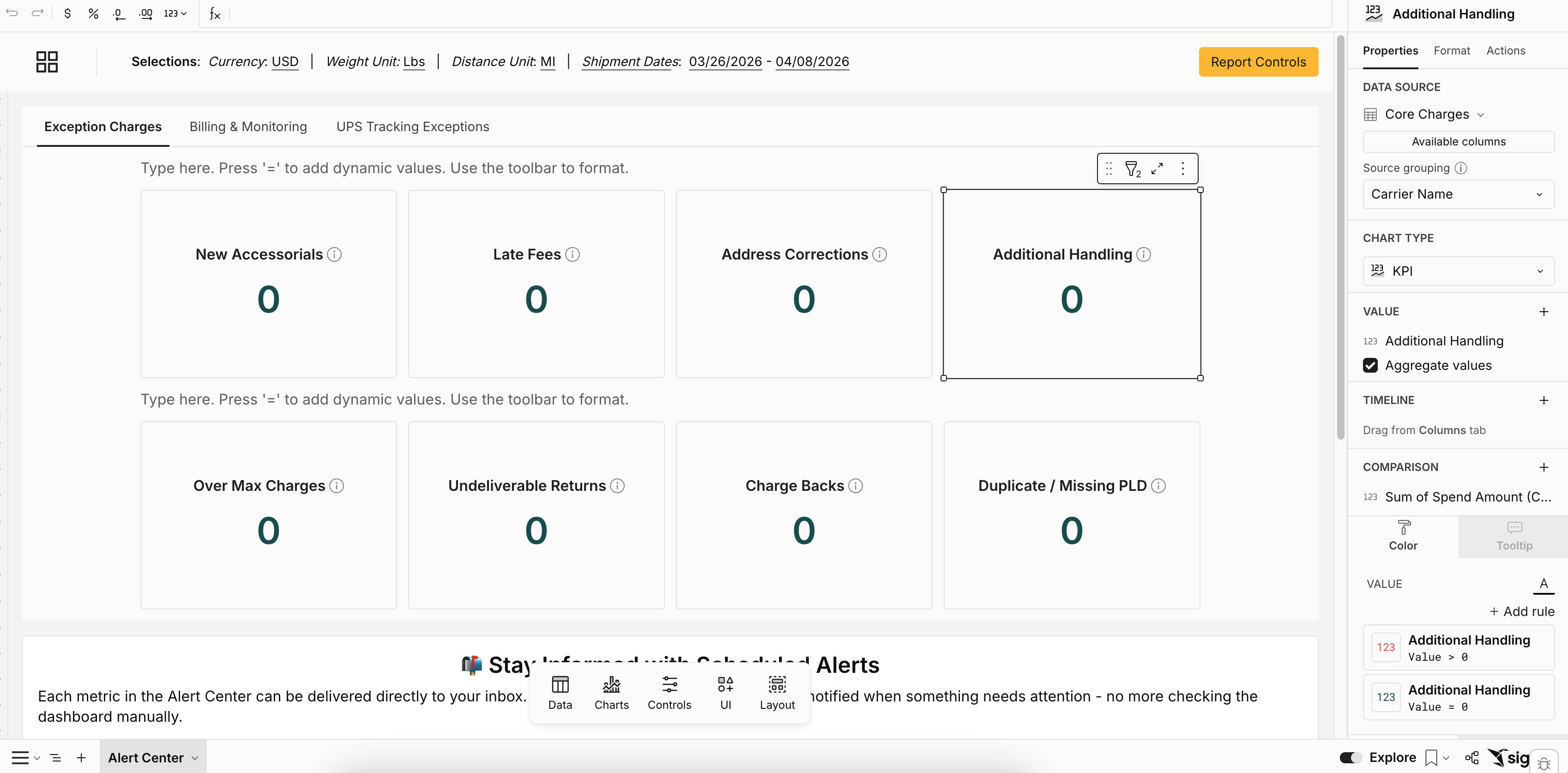
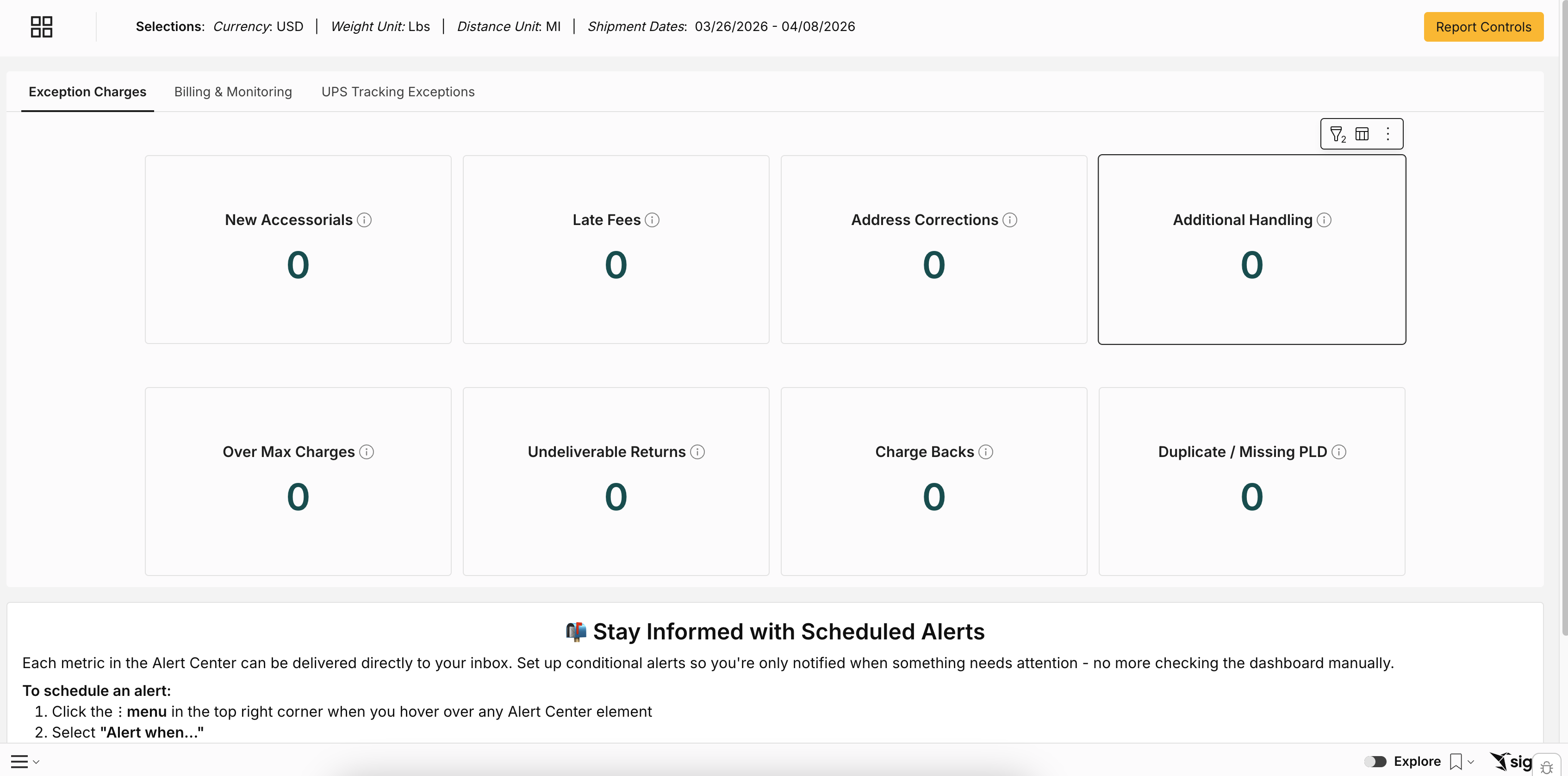
How do I reset back to the default view? To go back to the published version of the report, toggle on explore. This resets all filters, column changes, and layout adjustments.
Can I share my custom view with a colleague? Custom views are user-specific by default. Shared views are available — check with your Loop admin.
Can I export data to someone who doesn't have a Loop login? No — exports require a Loop login to receive. You can download and send the report to them as a workaround.
Where do my saved custom views live? File → Custom Views → All Views. You can also set one as your default.
Does "Ask a Question" search all my data? No — it's scoped to the data on the current page and your active filters.
What is ZIP3? The first 3 digits of a US or Canadian ZIP code. It creates broader geographic groupings — a standard concept in transportation analysis.
Do I need technical skills to use Intelligence? No. If you can use a spreadsheet, you can use Intelligence. The interface is designed for non-technical users, and the AI natural language assistant is built in.
Can I create my own calculations without knowing how to code? Yes — users with Explore access can create custom calculations using either the formula bar or the AI assistant, which lets you describe what you want in plain English.
Why does a column name not match our internal terminology? Column names in pre-built reports are set at the report level. If a specific column name is causing ongoing confusion, flag it to your Loop contact.
Will my existing reports still be available? Yes. Your existing reports remain available — nothing is going away immediately. Intelligence builds on top of what you already have, adding new capabilities over time.